

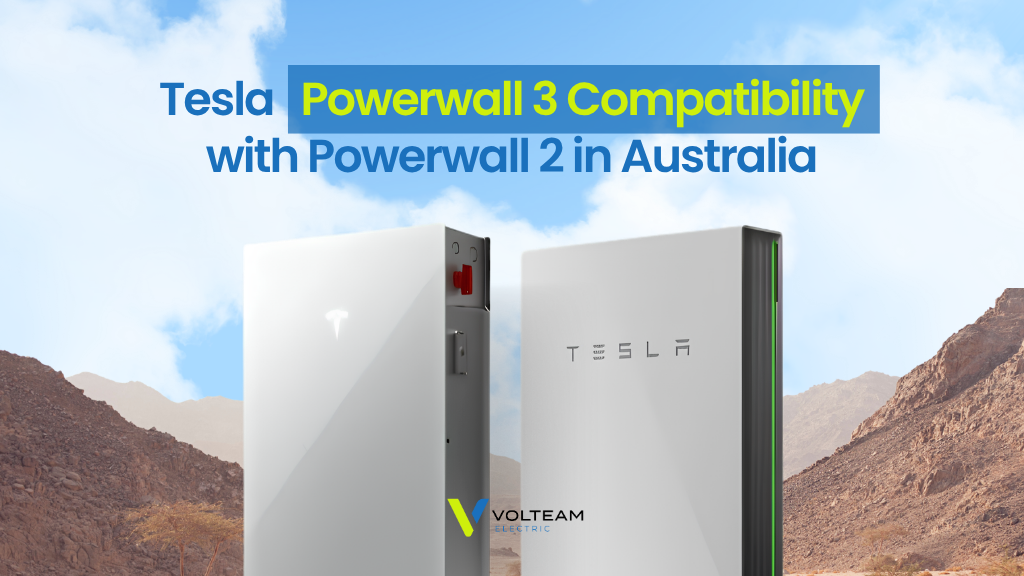
Tesla Powerwall 3 Compatibility With Powerwall 2 in Australia (2026 Update)
If you’ve had a Tesla Powerwall 2 on the wall since 2019 and watched the Powerwall 3 launch without you, there’s good news. Tesla now supports running a Powerwall 3 alongside an existing Powerwall 2 on the same home system, so you can add storage without pulling out the battery you already paid for.
For the first few years that wasn’t possible. The two generations couldn’t share a site, and owners who wanted more capacity were told to choose. Here’s what Tesla supports now, and what to check before you book the work.
Is Powerwall 3 Compatible With Powerwall 2?
Yes. A Powerwall 3 can now be added to a home that already has a Powerwall 2, and the older battery keeps doing its job.
Tesla’s Australian guidance confirms the two generations can run on one system, and it arrives as a software update rather than a hardware swap. Your Powerwall 2 isn’t replaced or traded in. It stays where it is.
Tesla lists the capability as available now through the latest Powerwall software, so most systems will reach it automatically.
What Tesla Supports on One System
There are firm limits on what can share a single site.
| Component | Maximum supported on one system |
| Powerwall 2 | 4 units |
| Powerwall 3 | 1 unit |
| Powerwall 3 Expansion | 3 units |
So a home already running Powerwall 2 units can add one Powerwall 3, then add Expansion units to it later if storage runs short again.
Your Powerwall also needs to be running software version 26.26 or later. That’s the version where the two generations start working together, and it’s the first thing an installer will confirm.
How the Two Generations Work Together
The two batteries do the same job in different ways, which is why they can share a house.
Your Powerwall 2 is AC-coupled. It sits alongside whatever solar inverter you already have, charges through that inverter, and discharges back into the home. None of that changes.
A Powerwall 3 brings its own solar inverter built in, so it can take panels directly and deliver more power than a Powerwall 2 manages alone.
Who Benefits Most From Adding a Powerwall 3?
This update matters most if your energy use has grown since your battery went in.
- Owners who sized conservatively. Plenty of Powerwall 2 systems went in between 2019 and 2022, back when 13.5kWh looked generous. It’s a different picture now.
- Homes that have added big loads. An EV in the garage, ducted air conditioning through a Brisbane summer, or a pool pump will empty a single battery well before morning.
- Anyone who wants longer blackout cover. Storm season in South East Queensland is the usual trigger.
What to Check Before You Add One
A few things decide whether your home is straightforward or not.
Your Gateway and Meter
Gateway 1 and the Neurio Meter aren’t supported in a mixed Powerwall setup. Early adopters are the most likely to have them, which is a frustrating irony. If either is on your switchboard, it has to be dealt with before a Powerwall 3 can join the system.
Three-Phase Homes
On a three-phase grid connection, Powerwall 3 output is limited to 5kW. That’s Tesla’s own limit, and it’s worth knowing early, because output is the main advantage a Powerwall 3 holds over a Powerwall 2. If you’re not certain which supply you have, our guide to single-phase and three-phase power explains how to tell.
Approvals and Installation
The new units go under a new connection agreement, and only the Powerwall 3 needs its own Clean Energy Council (CEC) listing. Your existing system stays compliant. Tesla also requires a Tesla Certified Installer to do the work.
Do You Need a New Inverter or Gateway?
You don’t need a new solar inverter. The Powerwall 3 carries one inside it, so your existing inverter keeps running your panels exactly as it does today.
Your gateway is the part that decides. A system on supported gateway hardware needs no change, while a Gateway 1 system does.
Beyond that, expect the usual checks on switchboard capacity, space, and cable runs. A site assessment tells you where you stand before anything is ordered.
Is Adding a Powerwall 3 Worth It Right Now?
For most Powerwall 2 owners who want more storage, adding beats replacing.
You keep a working battery that still has warranty behind it, you avoid the cost of removing it, and you gain capacity and output on top. Your Powerwall 2 keeps its original warranty, and the new Powerwall 3 and any Expansion units carry their own 10-year warranty.
The new unit is also a new battery installation, so the federal Cheaper Home Batteries Program is worth raising with your installer. Already owning a Powerwall 2 doesn’t rule you out.
If you’re weighing the two generations on features rather than expansion, our Powerwall 2 vs Powerwall 3 comparison puts the specs side by side, and our Tesla Powerwall price guide covers what an install costs.
Add a Powerwall 3 With Volteam
We’ve been fitting Powerwalls across Brisbane and South East Queensland since the Powerwall 2 was the only option, so we know what a 2019 install looks like and what it takes to extend one. Volteam holds QLD Electrical License #72286, is CEC accredited, and is rated 5.0 on Google.
Because we install both generations, we can tell you straight whether your system is a candidate. A solar battery installation assessment covers your gateway, your meter, your supply type, and your switchboard.
Full specs sit on our Tesla Powerwall 3 and Tesla Powerwall 2 pages, and our guide to the best solar batteries in Australia compares the wider market.
Frequently Asked Questions
Can I add a Powerwall 3 if my system uses a Gateway 1?
Not as things stand. That hardware falls outside what Tesla currently allows, so book a certified installer to assess your switchboard and walk you through the options first.
Is my Powerwall 2 too old to be compatible?
Compatibility is set by software version, not by age. If your Powerwall can run version 26.26 or later and isn’t paired with unsupported hardware, age isn’t the deciding factor.
Can I just add another Powerwall 2 instead?
Tesla has moved on to the Powerwall 3, so that’s the practical path for expanding today. It’s exactly why this change matters to Powerwall 2 owners.
Will the new Powerwall 3 qualify for the battery rebate?
It counts as a fresh battery installation, so confirm your eligibility with your installer before you commit. The Powerwall 2 sitting on your wall is not a barrier.
Do I need to tell my electricity distributor?
Yes, and your installer handles it. Approval is submitted and managed for you as part of the job.
Find Out if Your Powerwall 2 Can Take a Powerwall 3
The only way to know is to have someone look at it. Book an assessment and we’ll give you a straight answer on where your system stands.
Get a quote or contact us to book an assessment, or call 1300 865 832.